
01
One record per student
From the admission form to alumni, guardians, documents, marks and fees stay on one profile.
Talk to us about EDZO for your campus
EDZOThe campus ERP for schools & colleges
Admissions, attendance, academics, fees and payroll, happily connected in one platform. Everyone on campus gets a screen made for them.

Running daily at St. Jerome's PU & Degree College, Bengaluru

Attendance today
94.6%
Campus spotlight
St. Jerome's PU & Degree College
Carmelaram, Bengaluru
Two kinds of college under one roof: Karnataka PU streams and six-semester degree programmes. EDZO runs both from a single platform, with one login and one view of the campus.

From the admission form to alumni, guardians, documents, marks and fees stay on one profile.
RFID scans at the entrance flow into the day's register before the first period starts.
Parents pay online and receipts, refunds and settlements land straight in the ERP.
Principal, teachers, accounts, office staff, students and parents each see what they need.
One platform. A whole campus.

Students, academics, exams, fees and people, all on the same connected records.
Profiles, documents, guardians and academic history in one secure record.
Track enquiries and applications through to enrolment, with documents attached.
Programmes, streams, semesters, sections and subjects organised your way.
Period-wise timetables with teachers, rooms and sections that never clash.
Plan exams, enter marks and publish results that students and parents can see.
Daily or period-wise registers, absence follow-up and attendance analytics.
Fee structures, instalments, online payments and receipts with full transparency.
Staff profiles, recruitment, shifts and staff attendance in one place.
Salary components, payroll runs and payslips your staff can download.
Student and staff leave requests with balances and approval workflows.
Linked parents and guardians, with one login for all their children.
Graduates move to alumni automatically, with their full timeline intact.
Automatic messages to parents and staff for attendance, fees and announcements.
Ready for a happier campus day?
See EDZO set up with your own programmes, sections and fee structures.
A day with EDZO
One record moves through the whole day, so nobody types the same thing twice.
08:10
The RFID reader marks arrival and the parent portal shows it.
For Parents09:00
Teachers confirm the pre-filled register and lock it.
For Teachers11:30
Internal marks go in once and results publish to students.
For Students14:00
A parent pays online and the receipt is issued instantly.
For Accounts17:00
The principal's dashboard shows attendance, dues and gaps.
For Principal
Works in any browser on desktop, tablet and phone. Every role gets its own home screen, and families only ever see their own children.
EDZO smart attendance
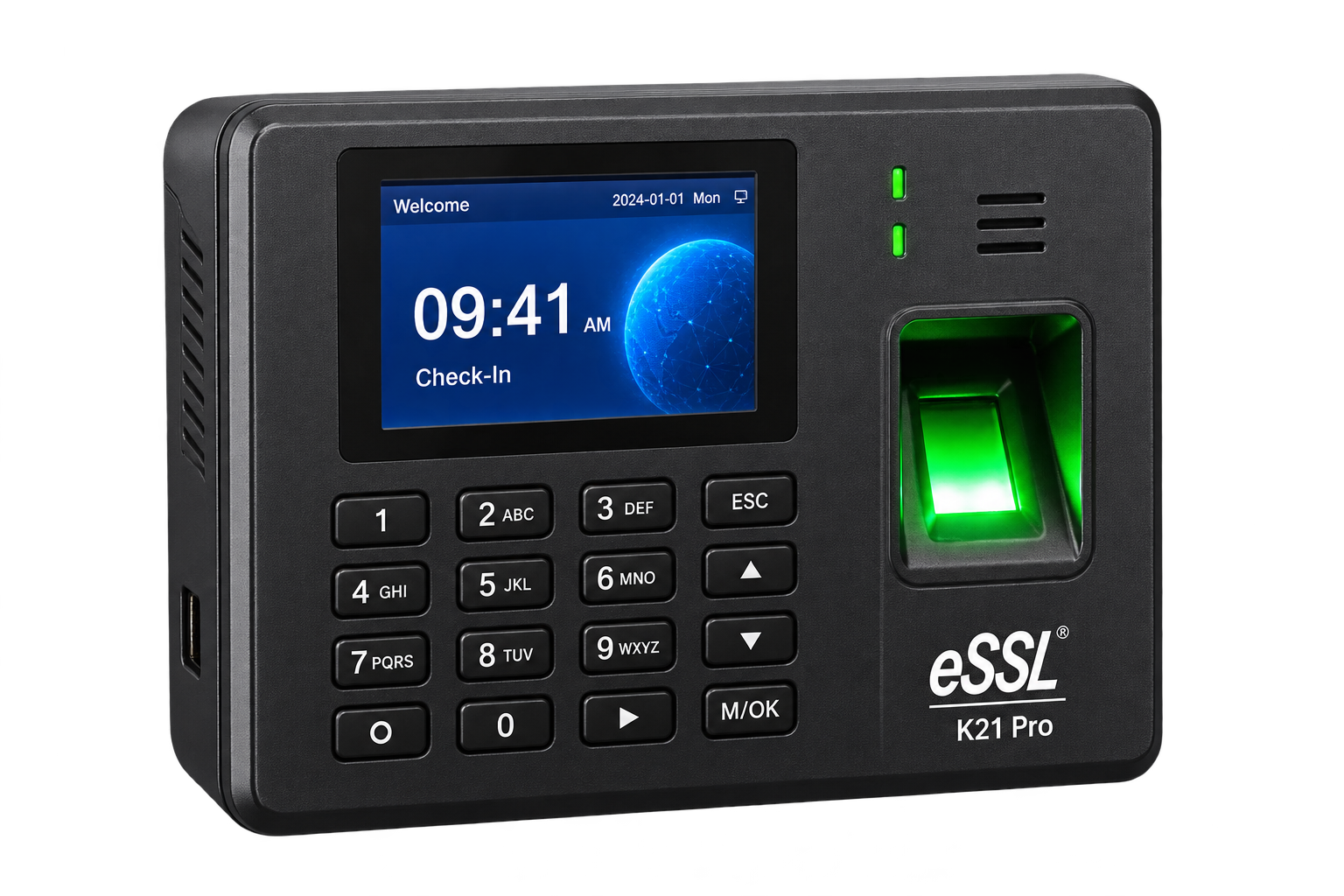
Contactless UHF readers, identity cards and an Android agent that work together with the EDZO ERP. Attendance is taken as students arrive, not after the first period.
A fixed gate reader or a handheld reader captures the student's RFID card.
The EDZO Android agent records every scan in a local queue.
Queued scans are delivered as soon as a connection is available.
Scans appear in the day's attendance for teachers and parents.
Recent activity Live
Security & trust
Student data deserves careful handling. EDZO builds protection into every sign-in, every screen and every change.
A password and a 6-digit MPIN for every user.
Eight built-in roles you can extend for your campus.
Teachers see their sections. Parents see their children.
Who changed what, and when, for every record.
Each institution runs on its own deployment.
Student and staff files are never on public links.
Questions we hear a lot
Everything you might want to know before your first conversation with us.
Have another question?Both. EDZO handles school classes as well as PU streams and semester-based degree programmes, with sections, subjects and staff operations for each. A demo is the best way to review your institution's requirements.
Yes. Student records, academics, fees and staff management work on their own. Teachers can take attendance on any device, and you can add gate readers whenever you are ready.
The EDZO reader agent keeps accepted scans in a local queue and retries delivery when a connection is available. Hardware placement and synchronisation are reviewed as part of your setup.
Yes. Each institution runs on its own EDZO deployment with its own database, and documents are stored privately. Access inside your campus is controlled by roles and a full audit trail.
We start with how your campus works today, then walk through the relevant modules and attendance setup. Bring your questions about existing records, staff workflows and rollout requirements.
Meet the whole EDZO crew